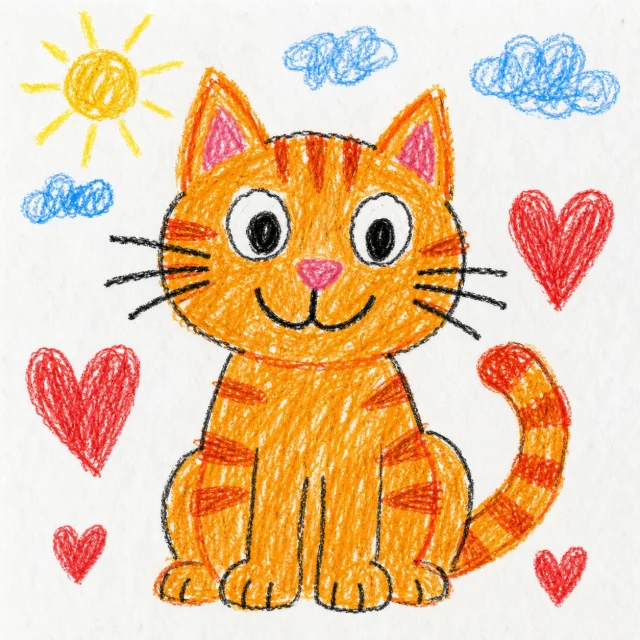
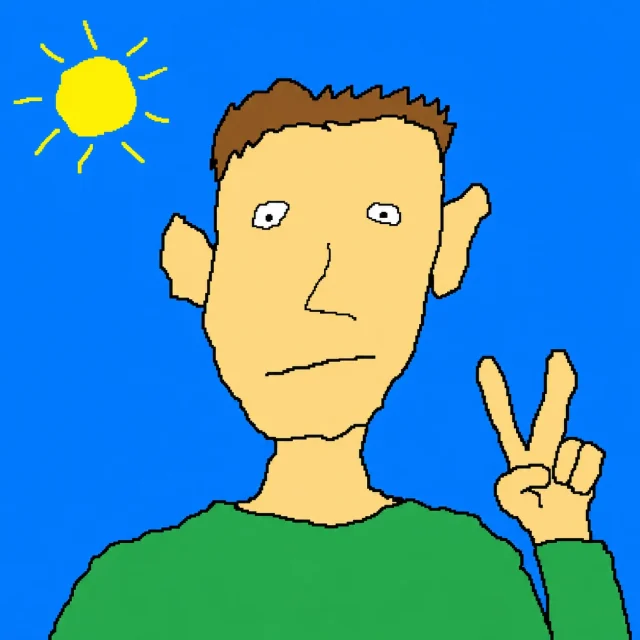
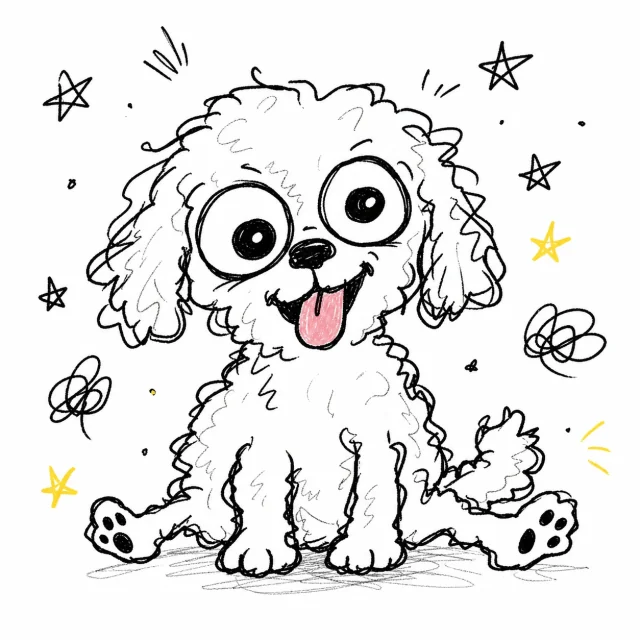
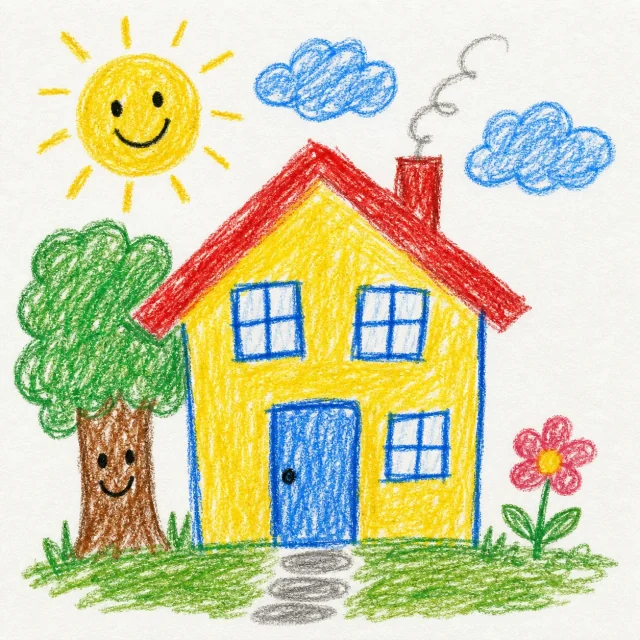
What is the MS Paint Disaster AI image style?
MS Paint Disaster turns a photo into a deliberately playful drawing in this style. It is designed for funny portraits, pets, profile pictures, and image to image AI style experiments.
Does this use gpt image 2 for photo to image generation?
AI Paint is built around a gpt image 2 image generation flow. You upload a photo, choose the MS Paint Disaster template, and WigglyPaint sends a guided image to image request instead of asking you to write a prompt from scratch.
How many credits does a MS Paint Disaster generation use?
Each MS Paint Disaster AI image costs 1 credit. There is no free credit balance, so you buy credits before generating and the credit is spent only when the generation request is accepted.
Can I edit or download the generated AI image?
Yes. After generation, you can download the result or open it in WigglyPaint to keep drawing on top of the MS Paint Disaster style image.
Where are my recent AI Paint results shown?
Logged-in users see recent generated images on the template page so they can reopen, download, or send a previous result back into WigglyPaint.