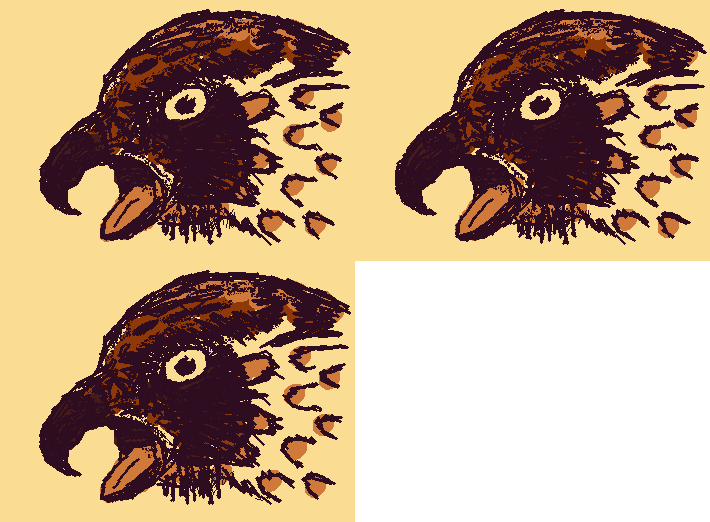
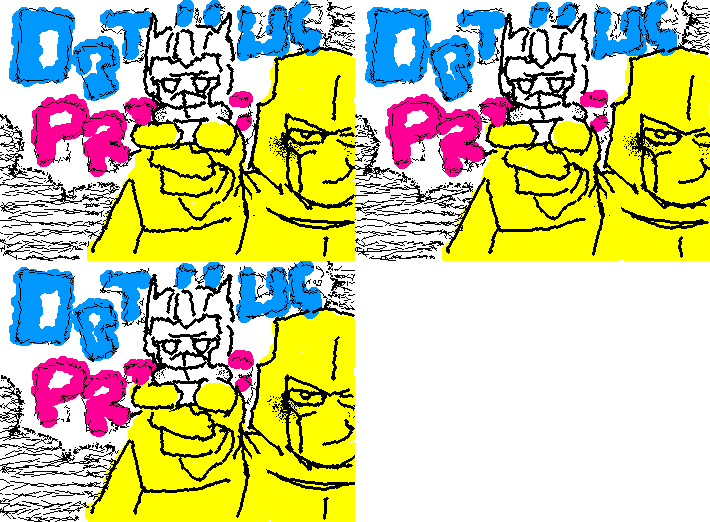
Turn your drawings into wiggly, dancing animations
Draw with animated brushes and create GIFs instantly!
Download WigglyPaint App to draw animated pixel art, wiggly doodles, and GIF-style sketches on iPhone, iPad, and Android.
WigglyPaint App brings animated brushes, bright pixel colors, quick GIF/video export, and the same playful drawing flow to iPhone, iPad, and Android. The Android version is newly live on Google Play and free for a limited time.
Scan to download on Android
Point your camera at the code to open Android
Or open Android directly →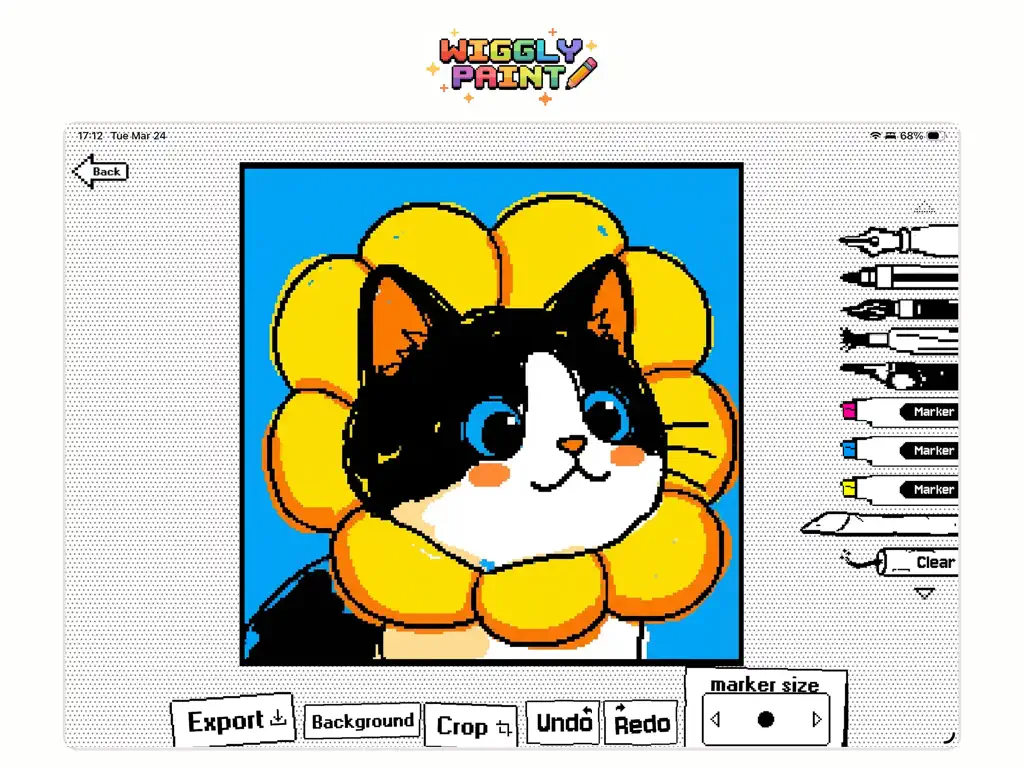
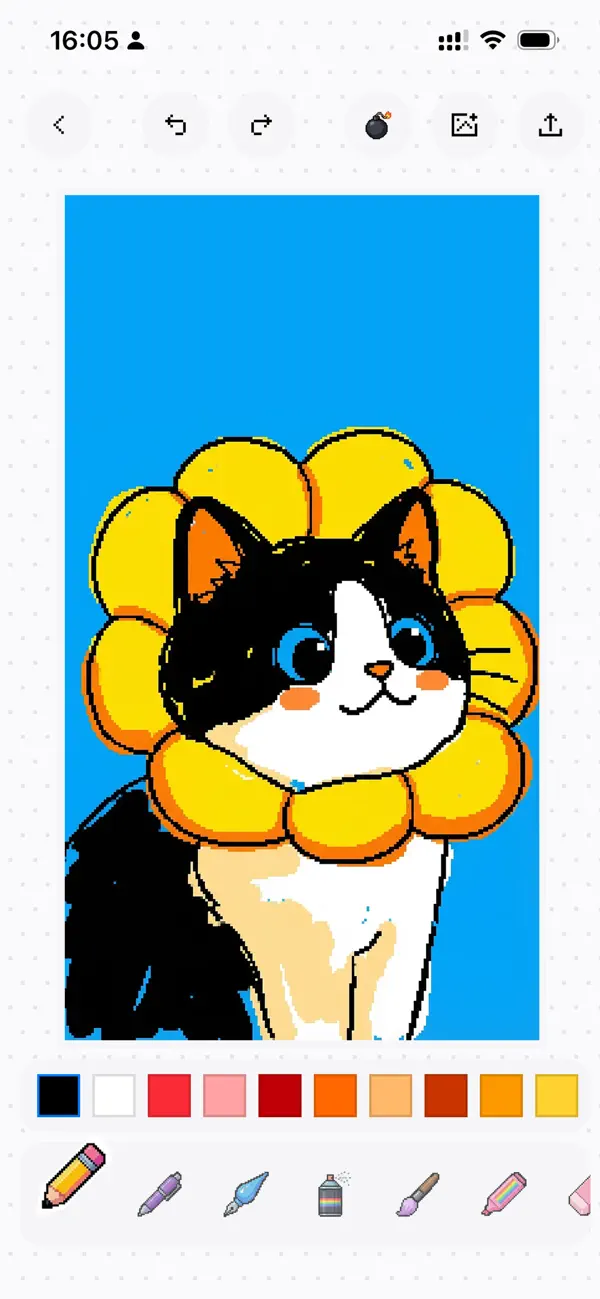
WigglyPaint is a free online animated drawing tool that makes hand-drawn lines wiggle automatically. Creators use it to make animated doodles, GIF-style art, memes, comics, and playful pixel art directly in a browser.
- Category
- Animated drawing tool, GIF creator, and pixel art editor.
- Price
- The core web drawing tool is free and does not require signup.
- Platforms
- Modern web browsers, plus iPhone and iPad with Apple Pencil support.
- Best for
- Animated doodles, memes, comics, classroom art, social posts, and quick GIF-style sketches.
How to make a wiggly drawing
- Open the WigglyPaint web drawing tool.
- Choose an animated brush style.
- Draw on the canvas and let the strokes wiggle automatically.
- Share the result, or use the iPhone and iPad app for GIF and video export workflows.
WigglyPaint makes every line wiggle and dance! This unique WigglyPaint tool creates amazing animated art that stands out. The best free wiggly paint app in your browser for creating viral social media content.
Using our WigglyPaint app is super simple! Each brush creates different wiggle effects. Many users love how we combine wiggle and paint features for smooth animations.
Your WigglyPaint art becomes instantly shareable! Create viral content with our intuitive wiggle and paint interface. Perfect for TikTok, Instagram, and Discord.
Our WigglyPaint iOS app for iPhone & iPad with Apple Pencil support offers the best drawing experience. Export your wiggle and paint creations as high-quality GIFs and videos.
Browse animated drawings, pixel art, memes, and wiggly doodles made with WigglyPaint.