WigglyPaint App
Muat turun WigglyPaint App untuk melukis seni pixel animasi, coretan wiggly dan sketsa gaya GIF pada iPhone, iPad dan Android.
WigglyPaint App membawa berus animasi, warna pixel cerah, eksport GIF/video pantas dan aliran lukisan yang menyeronokkan ke iPhone, iPad dan Android. Versi Android percuma untuk masa terhad.
Imbas untuk memuat turun versi iOS

Imbas kod dengan kamera iPhone atau iPad
Atau buka versi iOS terus →Imbas untuk memuat turun versi Android
Imbas kod dengan kamera untuk membuka Android
Atau buka versi Android terus →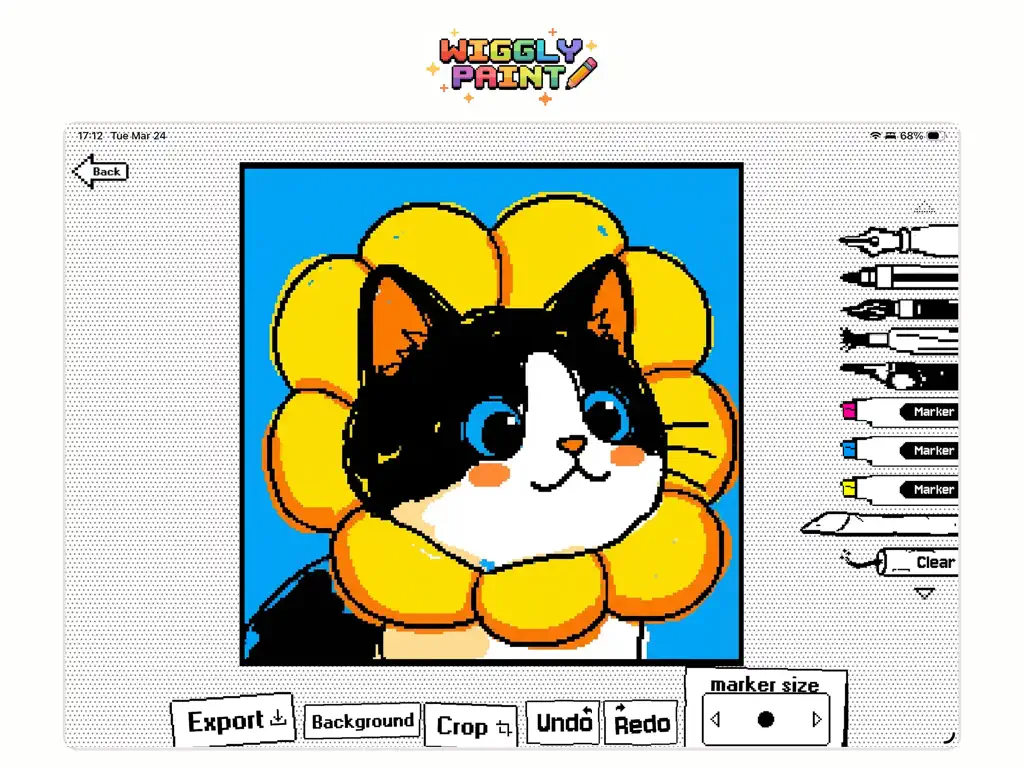
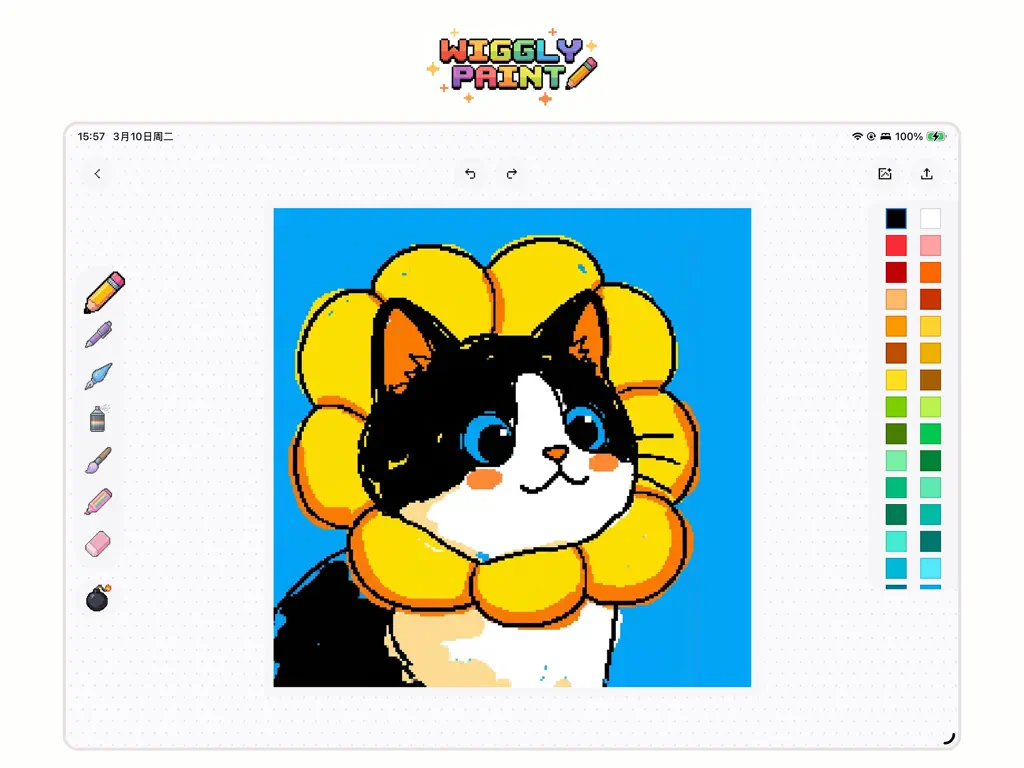
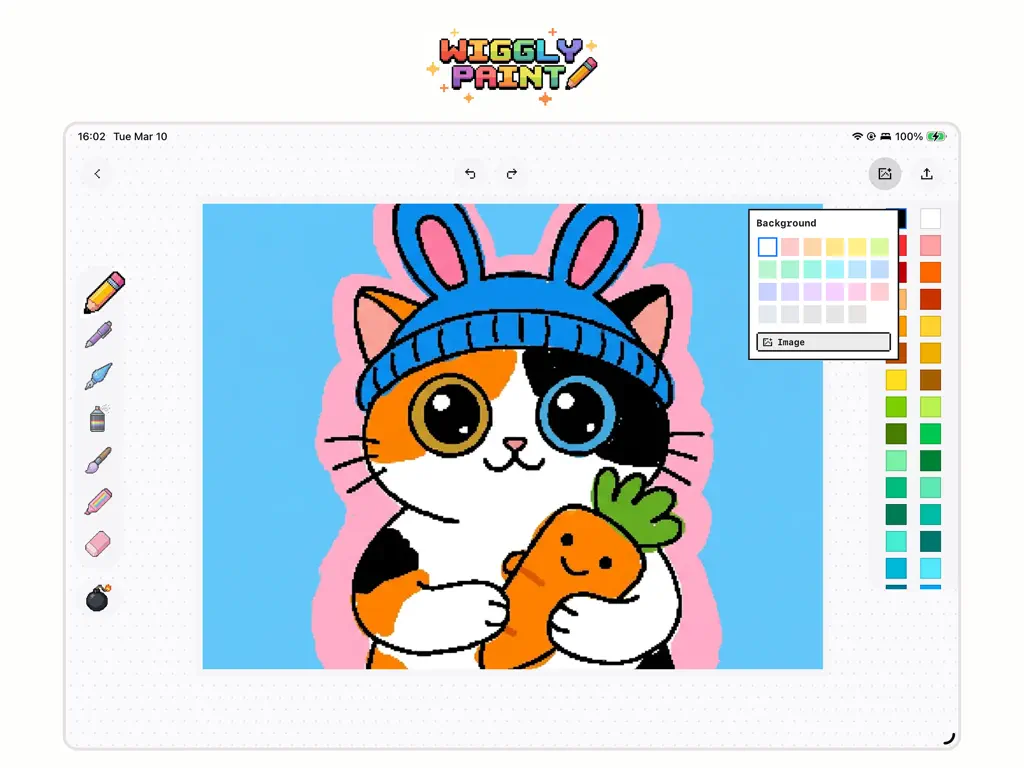
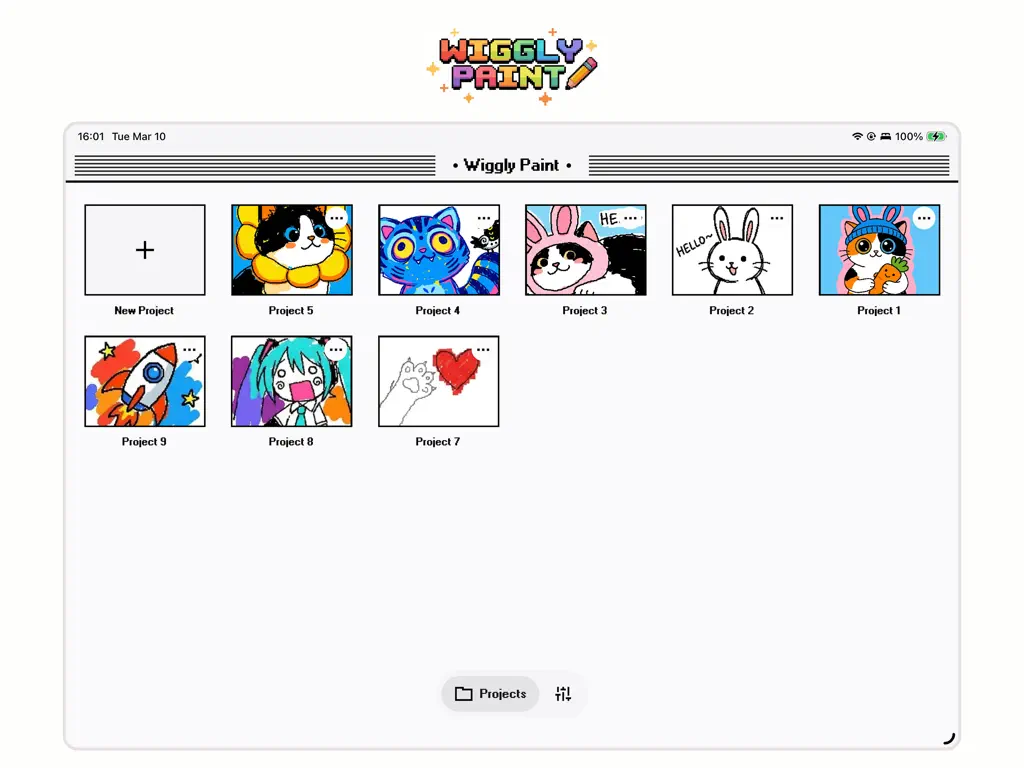
Pengalaman iOS yang sama, kini hadir di Android.
Aplikasi Android mengekalkan rasa WigglyPaint yang menyeronokkan: sapuan lancar, berus bergoyang yang hidup, warna pixel yang cerah, dan eksport pantas apabila idea muncul. Sesuai untuk aliran melukis yang cair dan lucu pada telefon serta tablet Android.
Imbas untuk memuat turun versi Android
Imbas kod dengan kamera untuk membuka Android
Atau buka versi Android terus →Big-canvas drawing on iPad, quick wiggly ideas on iPhone.
Use Apple Pencil on iPad when you want full-canvas control, then keep sketching, exporting, and sharing from iPhone when ideas arrive on the go. The iOS app keeps the same playful WigglyPaint feel across both devices.
- Apple Pencil 2 & Pencil Pro — pressure, tilt, palm rejection
- Full-canvas landscape layout with context-aware tool palette
- Slide Over & Split View for drawing alongside references
- ProMotion 120 Hz for buttery strokes on iPad Pro
Imbas untuk memuat turun versi iOS
Imbas kod dengan kamera iPhone atau iPad
Atau buka versi iOS terus → 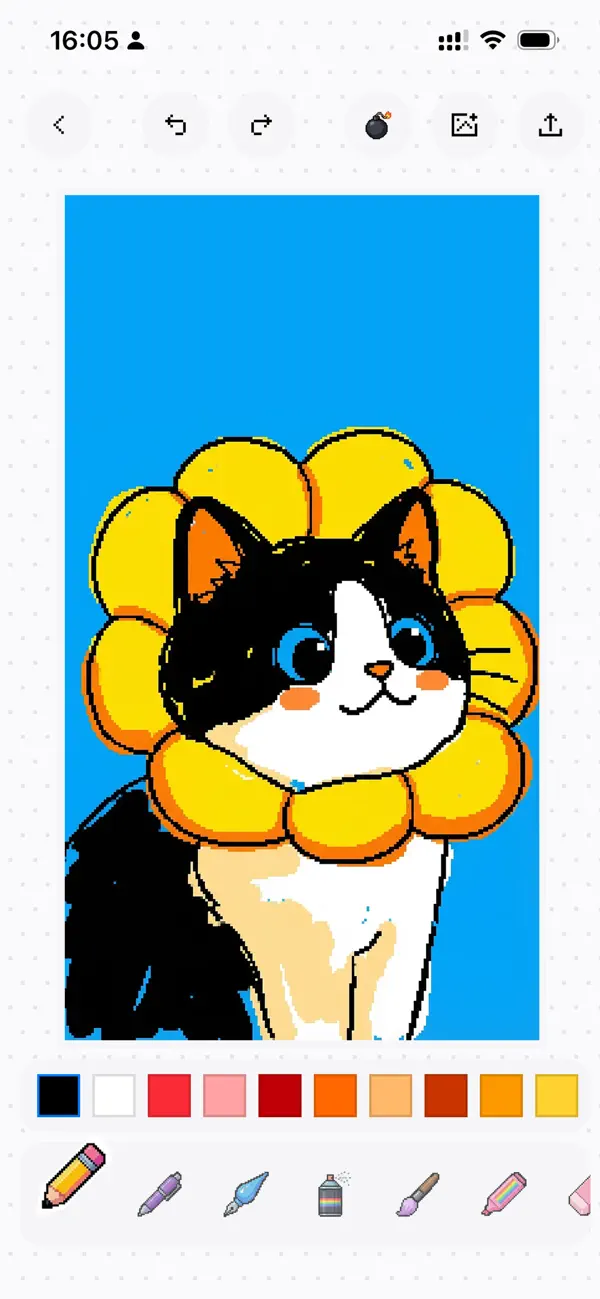
Built with SwiftUI. Made for Apple.
WigglyPaint is not a web wrapper or a cross-platform hybrid — it is hand-crafted in SwiftUI with Metal-accelerated drawing. That means instant launch, 120 Hz ProMotion scrolling, and the right feel on every Apple device.
- 120 Hz ProMotion drawing with zero input lag
- Deep Apple Pencil integration — pressure, tilt, palm rejection
- Dynamic Type, Dark Mode, Live Photos & Shortcuts — all native
SwiftUI Native
Built from the ground up in SwiftUI — instant launch, rock-solid performance.
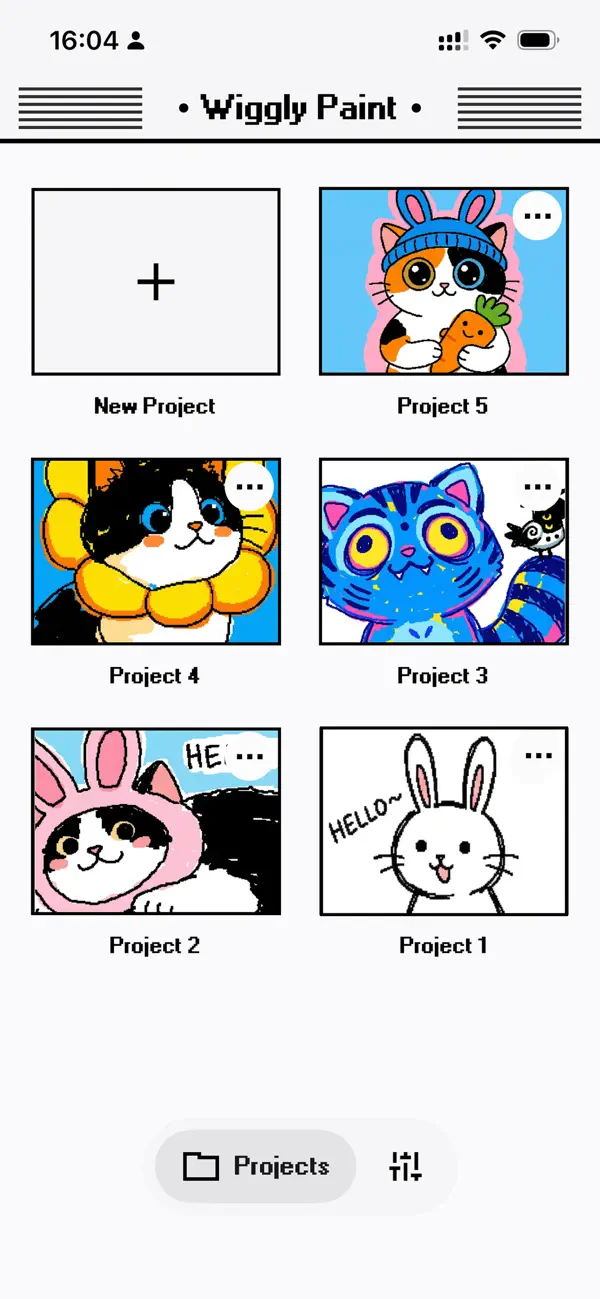
Fresh New Design
Clean, intuitive, and just feels right. Every tap sings.
Dozens of Colors
Way more shades to make your art pop — retro 8-bit to pastel dreams.
Silky Smooth
120 Hz ProMotion. Drawing is buttery and instant.
8 Animated Brushes
Each brush has its own bounce — scribble, pencil, marker, spray and more.
Live Animation Preview
Watch your pixels come alive as you draw. No export needed.
Live Photo Export
Save wiggles as Live Photos and bring your Lock Screen to life.
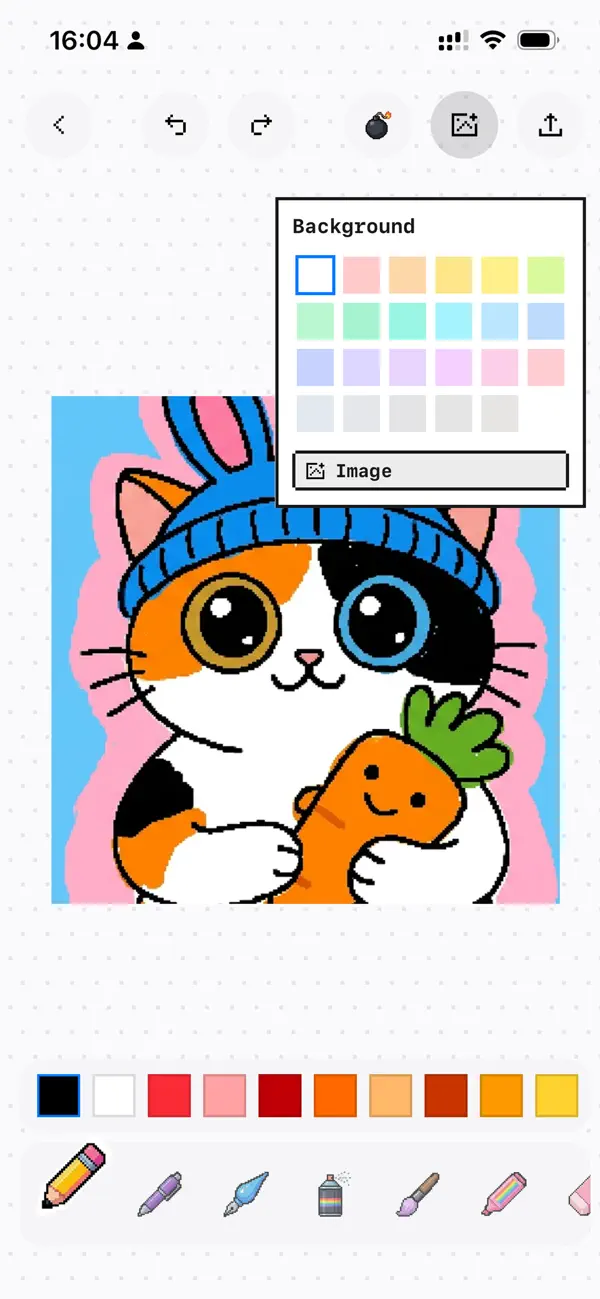
Background Layers
Drop in photos or pick solid colors behind your art.
HD GIF Export
Perfect looping GIFs for Instagram, Discord, Messages — anywhere.
Apple Pencil
Pressure, tilt and palm rejection. Feels incredible on iPad.
Privacy First
Everything stays local. No tracking, no accounts, no uploads.
Pick up your finger, stylus, or Apple Pencil and start wiggling.
Dancing Pixel Art
Retro vibes with playful motion.
Animated Stickers
Bouncy reactions for your group chats.
Wiggly Memes
Content that actually stands out.
Social Stories
Eye-catching posts, stories and reels.
- iPad · iPadOS 18.2+
- iPhone · iOS 18.2+
- Android · now available
- Android is free for a limited time. iOS pricing varies by region.
Classic & Modern Editors — choose between Classic Pixel and Modern Minimalist styles. Plus bug fixes for a smoother experience.
Is WigglyPaint free on Android?
Will it work on my device?
Can I export GIFs and videos?
Does Apple Pencil work?
Is my artwork private?
Get WigglyPaint App today for animated drawing, pixel art, GIF-style loops, and playful sketches on iPhone, iPad, and Android.
Imbas untuk memuat turun versi iOS
Imbas kod dengan kamera iPhone atau iPad
Atau buka versi iOS terus →Imbas untuk memuat turun versi Android
Imbas kod dengan kamera untuk membuka Android
Atau buka versi Android terus →