WigglyPaint App
Unduh WigglyPaint App untuk menggambar pixel art bergerak, doodle wiggly, dan sketsa gaya GIF di iPhone, iPad, dan Android.
WigglyPaint App membawa kuas animasi, warna pixel cerah, ekspor GIF/video cepat, dan alur gambar yang ringan ke iPhone, iPad, dan Android. Versi Android gratis untuk waktu terbatas.
Pindai untuk mengunduh versi iOS

Pindai kode dengan kamera iPhone atau iPad
Atau buka versi iOS langsung →Pindai untuk mengunduh versi Android
Pindai kode dengan kamera untuk membuka Android
Atau buka versi Android langsung →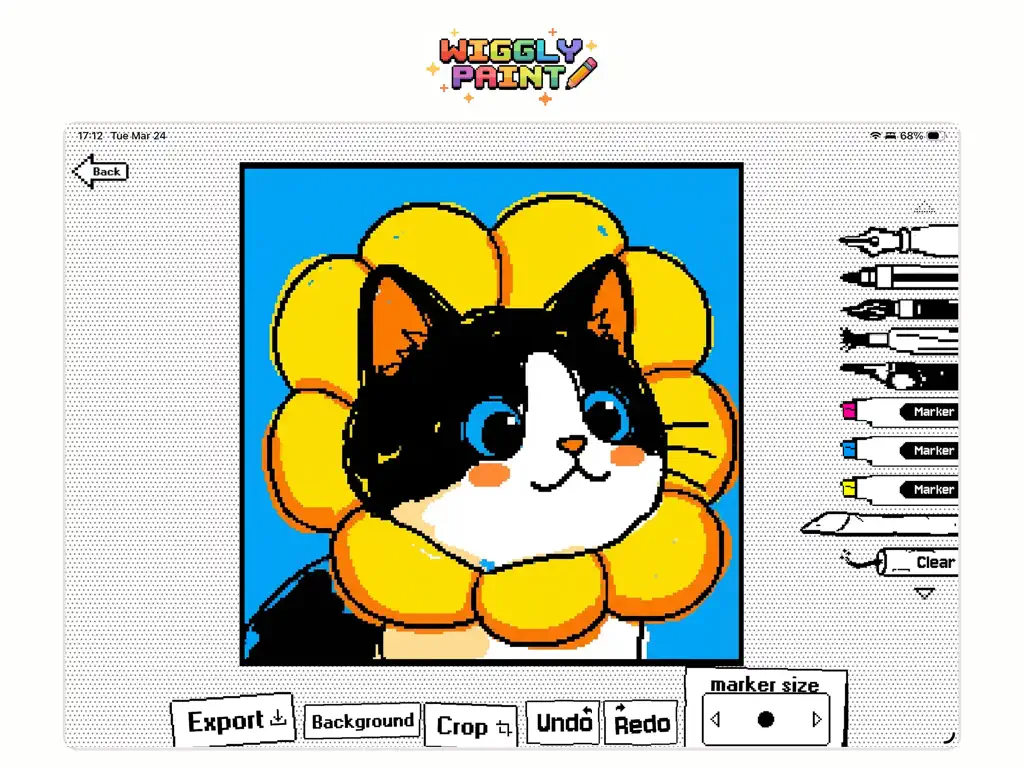
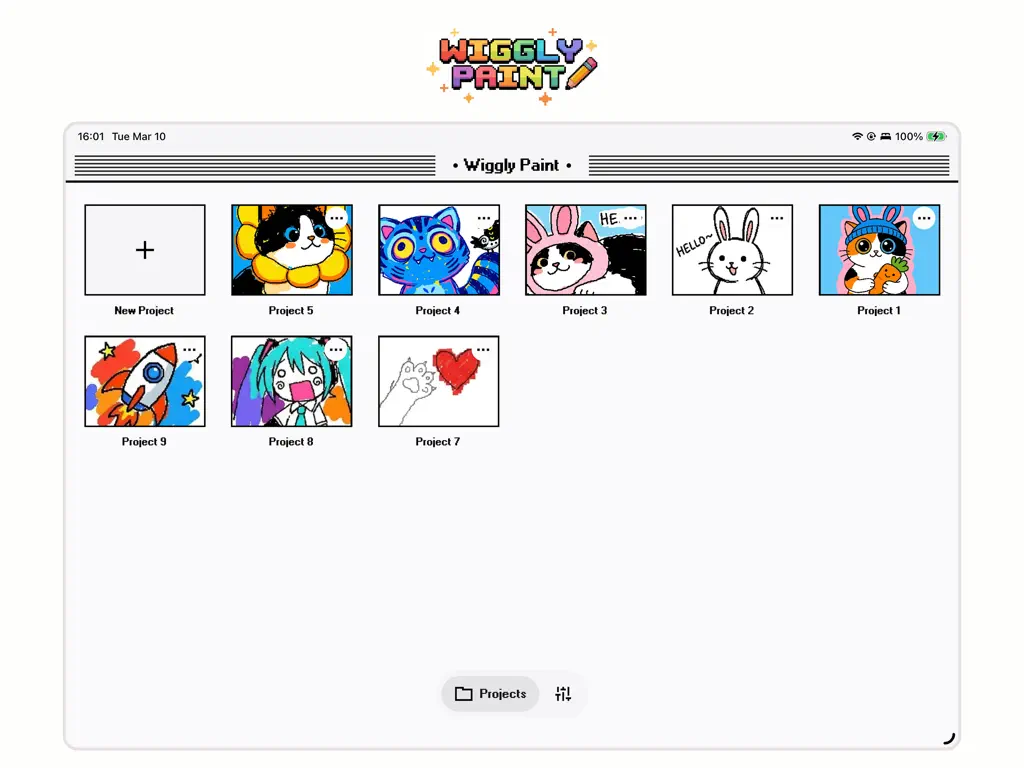
Pengalaman iOS yang sama, kini hadir di Android.
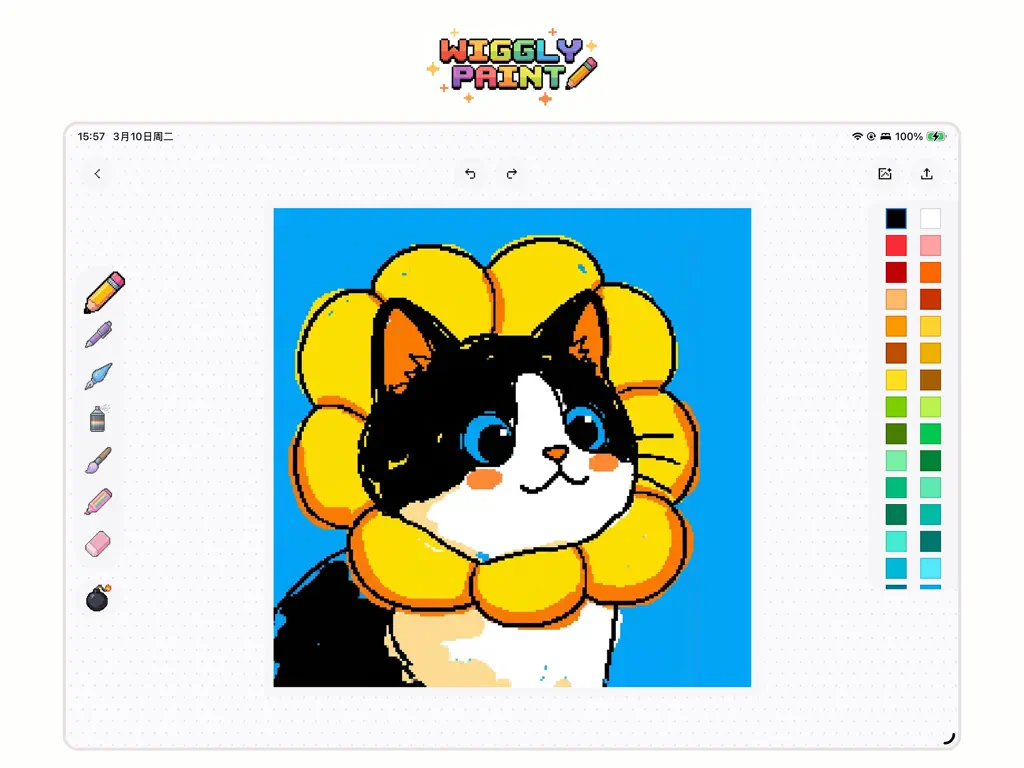
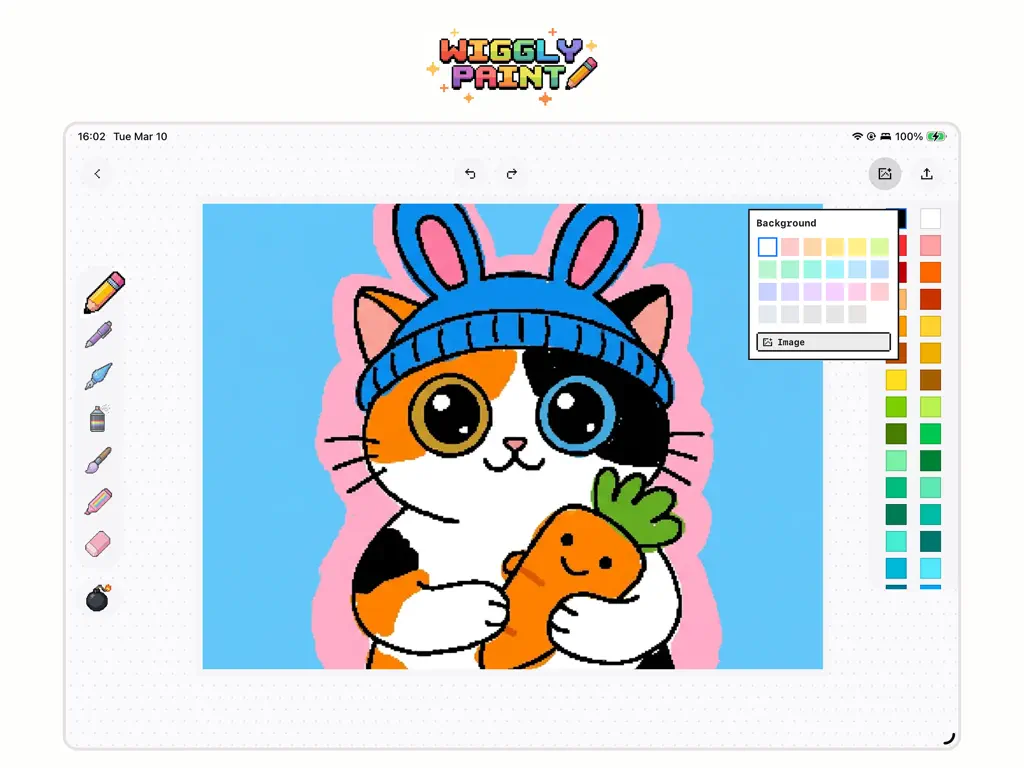
Aplikasi Android mempertahankan rasa bermain WigglyPaint: goresan halus, kuas bergoyang yang hidup, warna pixel cerah, dan ekspor cepat saat inspirasi datang. Dibuat untuk alur menggambar yang lancar dan menyenangkan di ponsel serta tablet Android.
Pindai untuk mengunduh versi Android
Pindai kode dengan kamera untuk membuka Android
Atau buka versi Android langsung →Big-canvas drawing on iPad, quick wiggly ideas on iPhone.
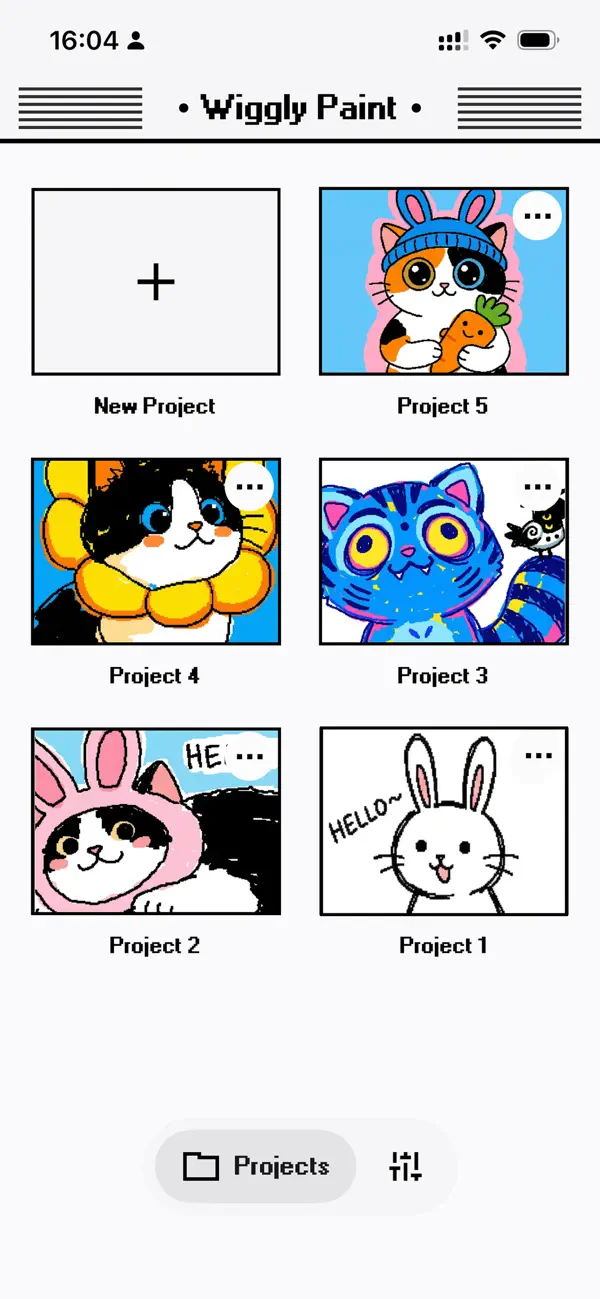
Use Apple Pencil on iPad when you want full-canvas control, then keep sketching, exporting, and sharing from iPhone when ideas arrive on the go. The iOS app keeps the same playful WigglyPaint feel across both devices.
- Apple Pencil 2 & Pencil Pro — pressure, tilt, palm rejection
- Full-canvas landscape layout with context-aware tool palette
- Slide Over & Split View for drawing alongside references
- ProMotion 120 Hz for buttery strokes on iPad Pro
Pindai untuk mengunduh versi iOS
Pindai kode dengan kamera iPhone atau iPad
Atau buka versi iOS langsung → 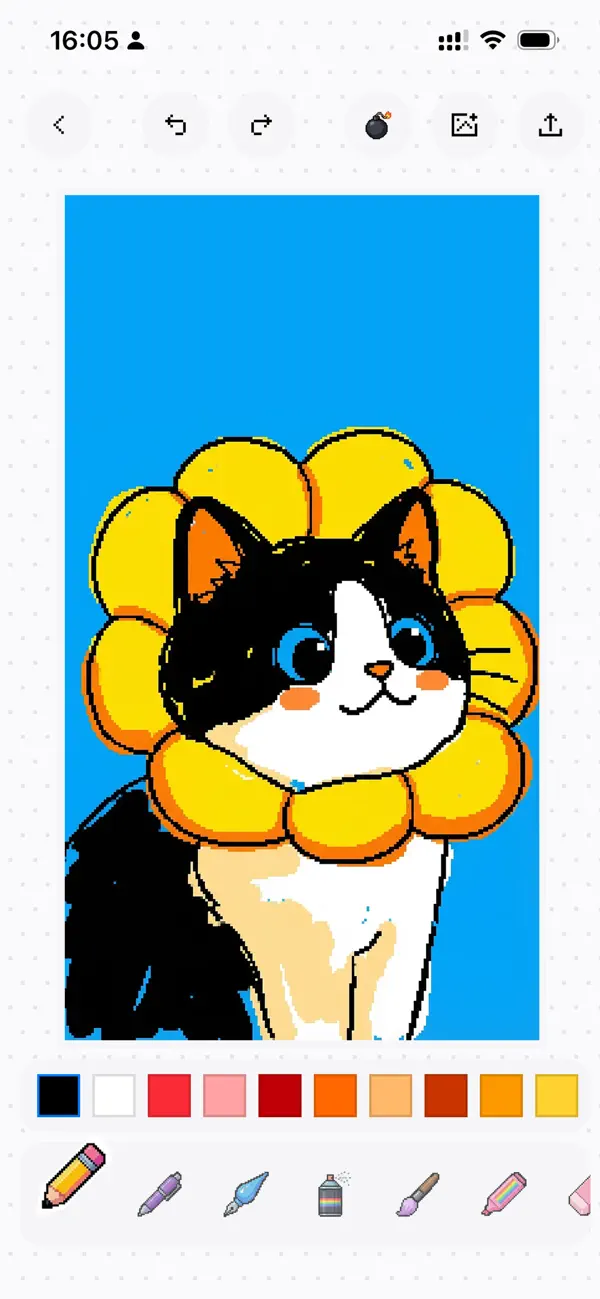
Built with SwiftUI. Made for Apple.
WigglyPaint is not a web wrapper or a cross-platform hybrid — it is hand-crafted in SwiftUI with Metal-accelerated drawing. That means instant launch, 120 Hz ProMotion scrolling, and the right feel on every Apple device.
- 120 Hz ProMotion drawing with zero input lag
- Deep Apple Pencil integration — pressure, tilt, palm rejection
- Dynamic Type, Dark Mode, Live Photos & Shortcuts — all native
SwiftUI Native
Built from the ground up in SwiftUI — instant launch, rock-solid performance.
Fresh New Design
Clean, intuitive, and just feels right. Every tap sings.
Dozens of Colors
Way more shades to make your art pop — retro 8-bit to pastel dreams.
Silky Smooth
120 Hz ProMotion. Drawing is buttery and instant.
8 Animated Brushes
Each brush has its own bounce — scribble, pencil, marker, spray and more.
Live Animation Preview
Watch your pixels come alive as you draw. No export needed.
Live Photo Export
Save wiggles as Live Photos and bring your Lock Screen to life.
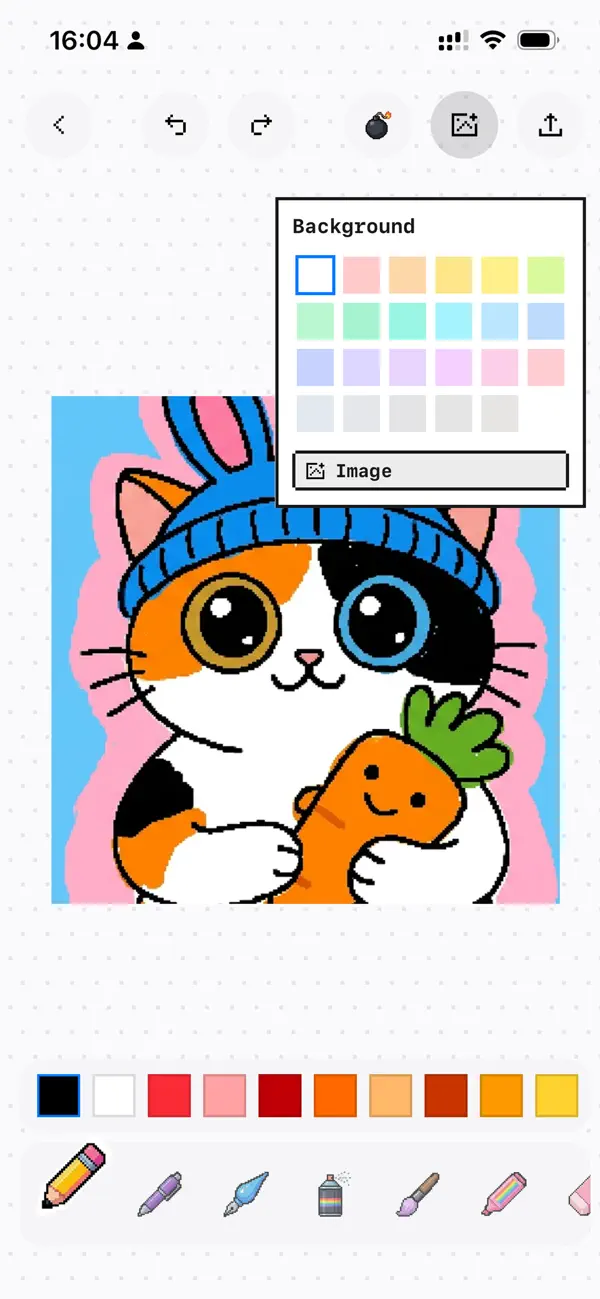
Background Layers
Drop in photos or pick solid colors behind your art.
HD GIF Export
Perfect looping GIFs for Instagram, Discord, Messages — anywhere.
Apple Pencil
Pressure, tilt and palm rejection. Feels incredible on iPad.
Privacy First
Everything stays local. No tracking, no accounts, no uploads.
Pick up your finger, stylus, or Apple Pencil and start wiggling.
Dancing Pixel Art
Retro vibes with playful motion.
Animated Stickers
Bouncy reactions for your group chats.
Wiggly Memes
Content that actually stands out.
Social Stories
Eye-catching posts, stories and reels.
- iPad · iPadOS 18.2+
- iPhone · iOS 18.2+
- Android · now available
- Android is free for a limited time. iOS pricing varies by region.
Classic & Modern Editors — choose between Classic Pixel and Modern Minimalist styles. Plus bug fixes for a smoother experience.
Is WigglyPaint free on Android?
Will it work on my device?
Can I export GIFs and videos?
Does Apple Pencil work?
Is my artwork private?
Get WigglyPaint App today for animated drawing, pixel art, GIF-style loops, and playful sketches on iPhone, iPad, and Android.
Pindai untuk mengunduh versi iOS
Pindai kode dengan kamera iPhone atau iPad
Atau buka versi iOS langsung →Pindai untuk mengunduh versi Android
Pindai kode dengan kamera untuk membuka Android
Atau buka versi Android langsung →